If you've forgotten your password or are having trouble logging into your account, don't worry! Resetting your password is a straightforward process. Follow the 4 steps below to regain access to your account quickly and securely.
Step 1: Attempt to log in
Start by navigating to the login page of Skycards app. Enter your email address and then click on "Continue".
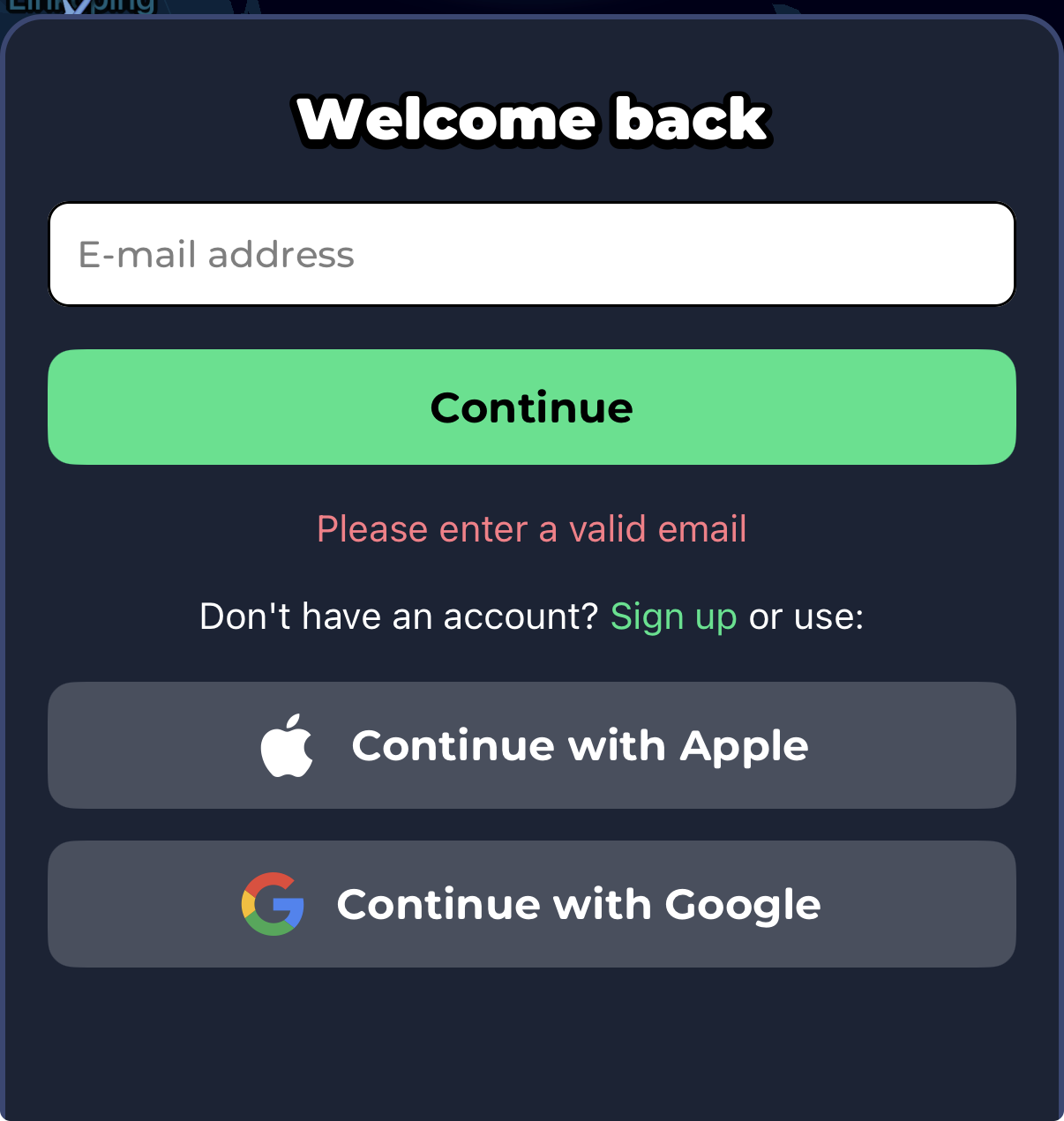
Step 2: Receive the password reset link
Select "Forgot password" on the next screen. A password reset link will be sent to the email associated with your account, along with instructions on how to create a new password.
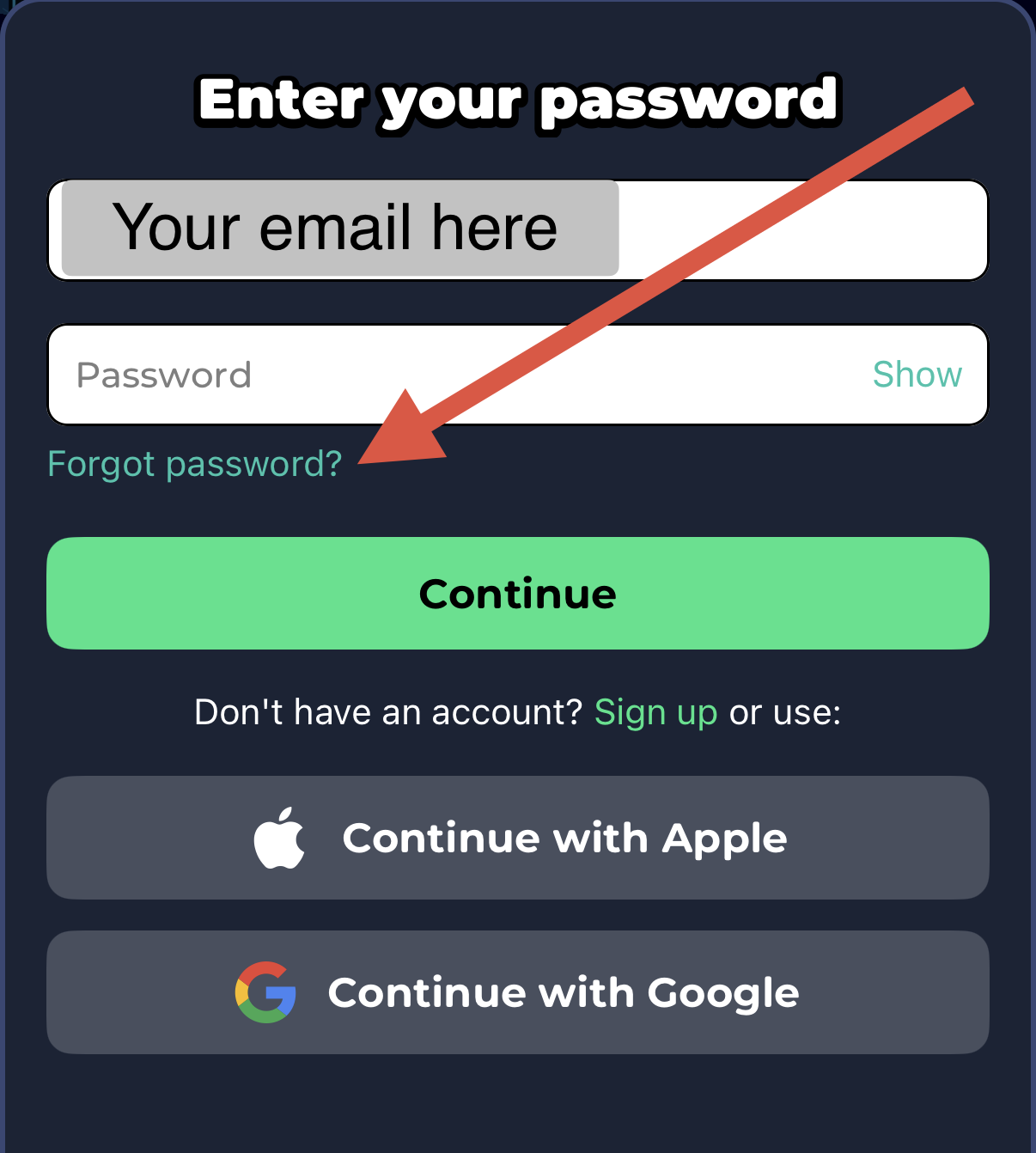
Important: Check your spam folder
Sometimes, emails can end up in your spam or junk folder, especially if you haven’t received emails from us before. If you don’t see the password reset email in your inbox within a few minutes, be sure to check your spam or junk folder. If you find the email there, mark it as “Not Spam” to ensure you receive future communications from us.
Step 3: Follow the instructions in the Email
Open the email and click on the password reset link provided. This will direct you to a secure page where you can enter a new password. Make sure your new password is strong and unique to enhance your account's security.
Step 4: Log in with your new password
After successfully resetting your password, return to the login page and enter your email address along with your new password. You should now have access to your account!
If you encounter any issues during this process or do not receive the password reset email, please reach out to our customer support team for further assistance. We’re here to help!
Was this article helpful?
That’s Great!
Thank you for your feedback
Sorry! We couldn't be helpful
Thank you for your feedback
Feedback sent
We appreciate your effort and will try to fix the article